
Track doses and see ingredient totals across your stack
StackIQ records the dose and timing of every product, then totals each ingredient across all of them — so magnesium in a multivitamin, a sleep formula, and an electrolyte mix shows up as one combined daily amount, with the overlap flagged. It shows what you're taking; it doesn't approve or prescribe a dose.


iPhone and Android · Free to download · Pro optional
How it works
1.Every product broken into ingredients
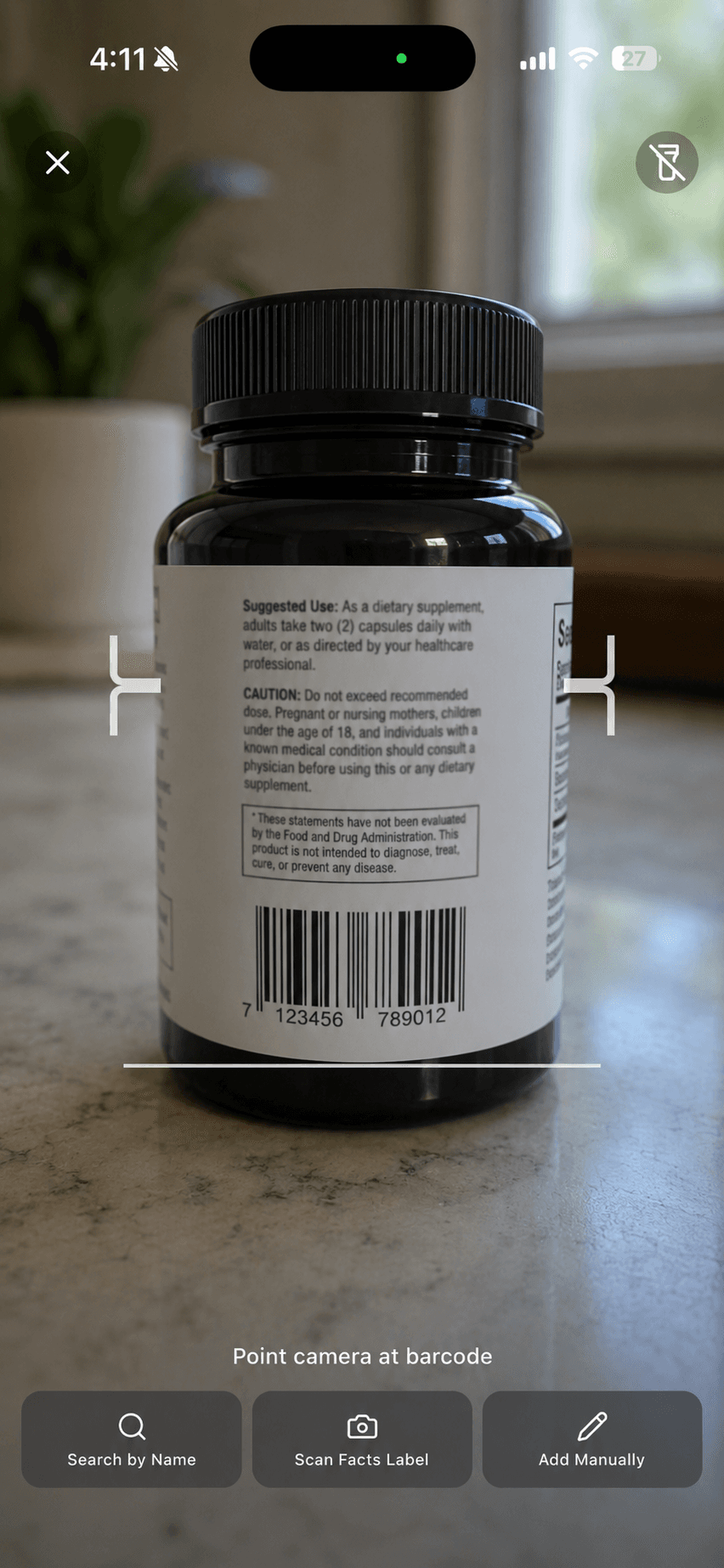
Scanned or entered products carry their Supplement Facts: each ingredient with its amount per serving and its form.
2.Totals across the whole stack
StackIQ adds each ingredient across every product and serving you've scheduled, and highlights where the same ingredient appears in more than one product.
3.Your real dose, not just the label
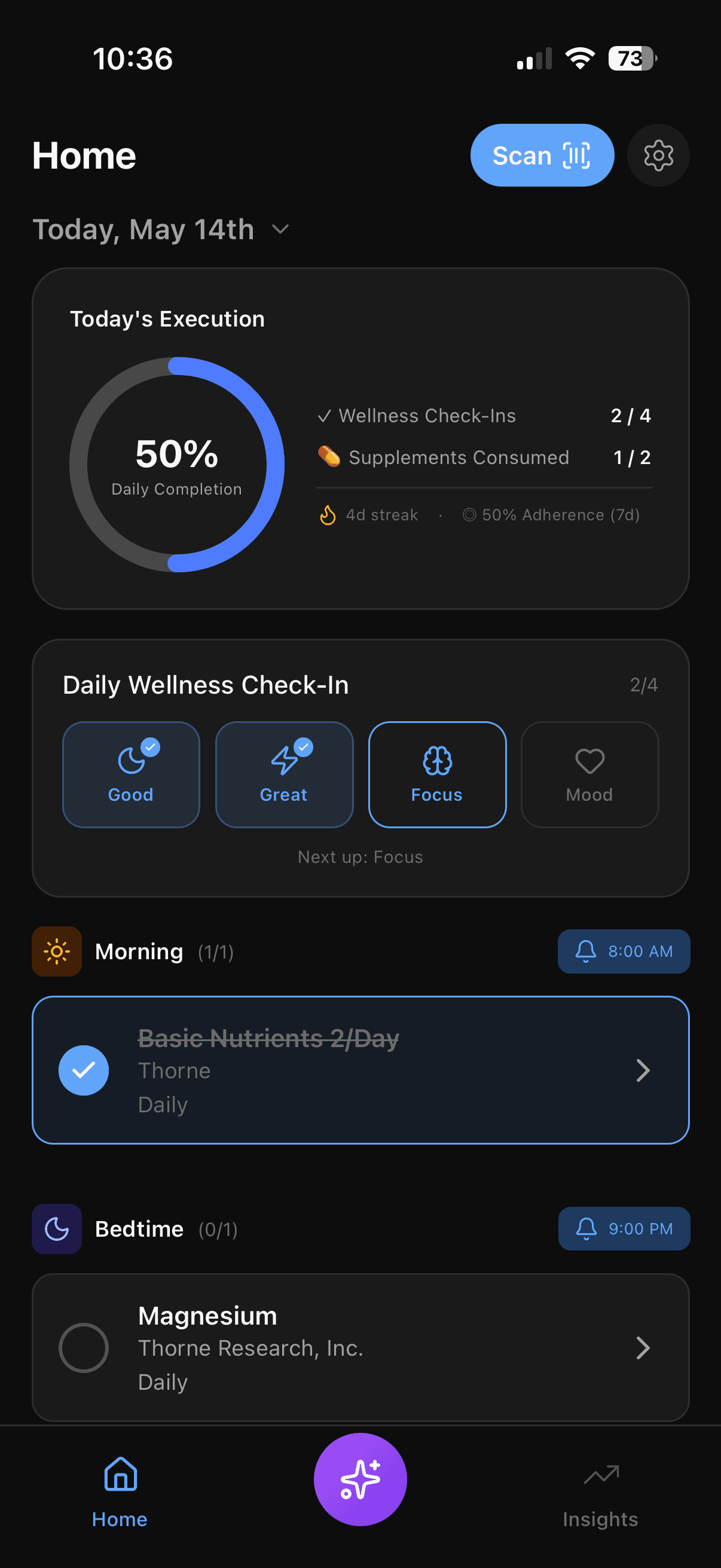
Set how many servings you take and when. Totals reflect your schedule rather than the label's serving size, and timing shows what's morning and what's bedtime.
What's free and what's Pro
Included free
- Dosage and timing tracking — Record what you actually take and when.
- Ingredient totals and overlap detection — See each ingredient totalled across every product, and where the same one appears twice.
- Supplement stack tracker — Every product you take in one place, with dose, form, and timing.
StackIQ Pro
- AI-powered insights — Stack-aware analysis of what you take and how you feel.
What it doesn't do
- Totals only include what the label states. Proprietary blends without per-ingredient amounts can't be totalled.
- StackIQ doesn't decide whether a total is right for you — bring it to a clinician or pharmacist.
- Units are shown as printed on each label (mg, mcg, IU).
- Food isn't included. Totals cover the supplements (and medications) you add.
Frequently asked questions
What's the difference between per-serving amounts and my actual intake?
The label lists an amount per serving. StackIQ multiplies by the servings you actually schedule, so if you take two capsules instead of one, or half a scoop, totals follow what you set.
Can StackIQ find the same ingredient in several products?
Yes — that's the overlap check. Each ingredient is totalled across your stack and flagged wherever more than one product contributes to it.
Does it compare my totals with recommended or upper limits?
StackIQ shows the totals. Whether a total is appropriate for you depends on diet, medications, and health history, so review it with a clinician or pharmacist rather than against a reference table.
What if a label leaves an amount out or lists a blend?
The ingredient is still listed on the product so you know it's there, but without a stated amount it can't be added to a total.
Related
iPhone and Android · Free to download